
frogCloud 带来便利,而非依赖
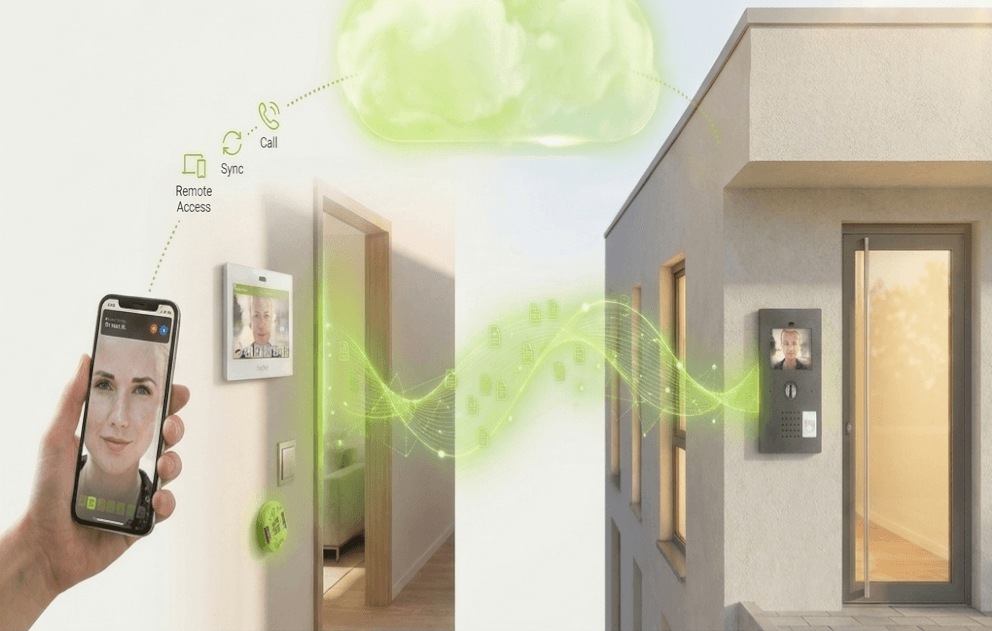
楼宇在本地持续运行。frogCloud 在其之上叠加远程访问、项目同步及 frogSIP 推送呼叫 — 属可选项,绝非必需。
- Optional
- 绝非一种依赖
- Local-first
- 楼宇在本地运行
- Push
- frogSIP 智能手机呼叫
- Sync
- 远程访问与项目同步
为何选择 frogblue
本地优先控制之上的便利层
建筑持续本地运行
自动化、对讲和门禁均在本地运行。若 frogCloud 无法连接,楼宇也可照常运转。
远程访问与项目同步
从任何地方访问您的安装系统,并在各设备间保持项目同步 — 当您选择启用时。
frogSIP 推送呼叫
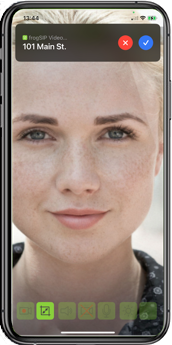
无论您身在何处,frogCloud SIP 都能通过推送通知将门口呼叫送达 frogSIP 智能手机应用。
frogCloud 带来的功能
推送呼叫、远程访问与项目同步
frogCloud 增加了远程连接、推送工作流和云端辅助呼叫,同时保留本地优先的控制。它提供免费账户层级,您也可以完全在本地运行建筑而无需使用它。
- 通过 frogCloud SIP 实现 frogSIP 智能手机呼叫推送
- 远程访问您的安装系统
- 跨设备的云端项目同步
Security & data location
frogCloud is optional by design. Because automation, access verification and intercom logic run locally on the mesh, there is no master server that must be online for the building to function — and no single cloud system to compromise.
When you enable frogCloud, it adds remote access, project synchronisation and frogSIP push calling. Credentials and access rights remain encrypted and carried locally on the card; the cloud is a convenience layer, not the system of record.