
इवेंट-चालित वर्कफ़्लो के लिए HTTP / Webhooks
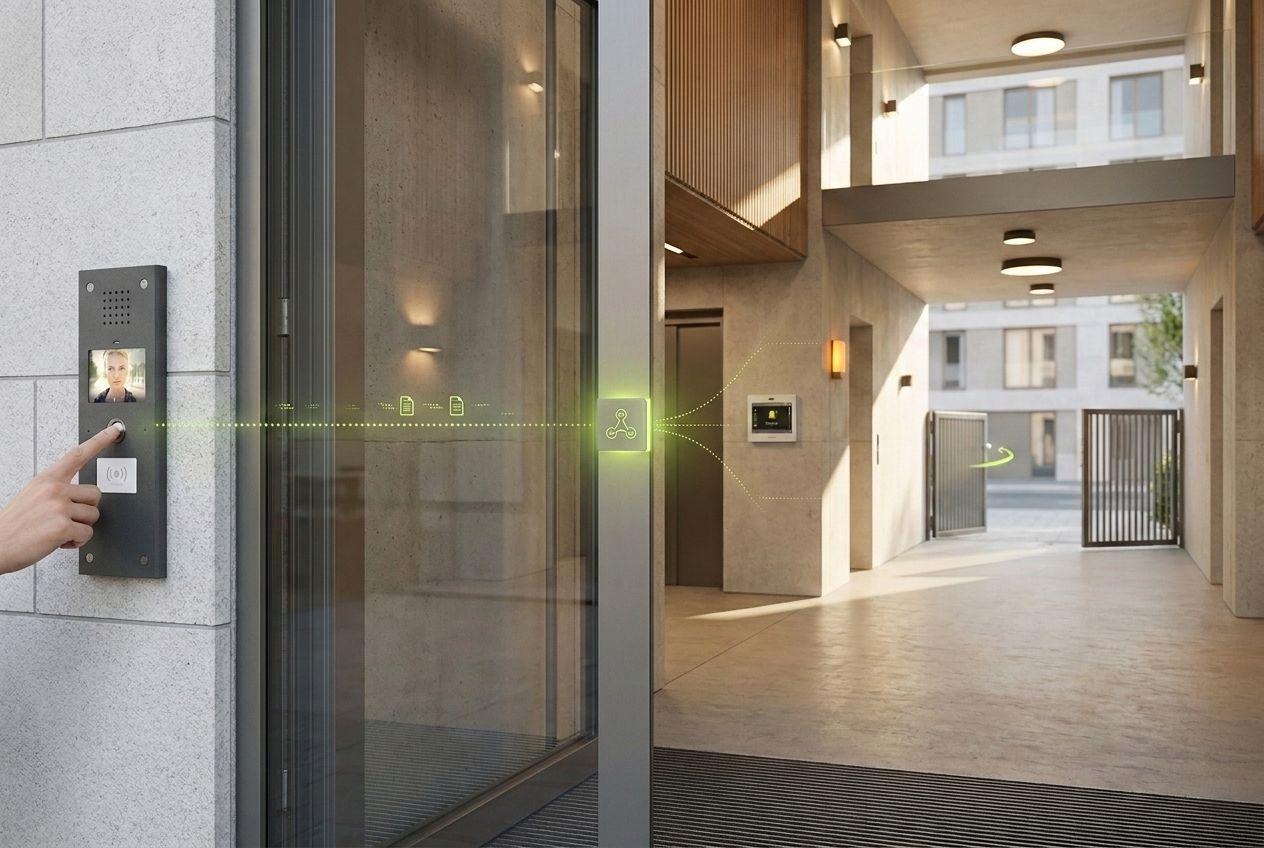
frogTerminal डोर और एक्सेस इवेंट पर आउटगोइंग HTTP/webhook ट्रिगर भेज सकता है, ताकि एक रिंग, एक एक्सेस ग्रांट या एक रिले इनपुट अलार्म, डैशबोर्ड और थर्ड-पार्टी सिस्टम को चला सके — बिना किसी सेंट्रल कंट्रोलर के।
सामान्य वर्कफ़्लो
दरवाज़े की किसी घटना को किसी भी क्रिया में बदलें
किसी frogTerminal इवेंट पर एक आउटगोइंग HTTP अनुरोध या वेबहुक कॉन्फ़िगर करें। एक रिंग या एक्सेस अनुमति फिर किसी डैशबोर्ड को सूचित कर सकती है, अलार्म बजा सकती है या किसी तृतीय-पक्ष सिस्टम में लॉजिक को ट्रिगर कर सकती है। MQTT एक डेवलपर-सामने वाला विकल्प है, जो अनुरोध पर उपलब्ध है और दस्तावेज़ीकरण के लंबित है — यह अभी तक एक दस्तावेज़ीकृत शिपिंग सुविधा नहीं है, इसलिए आज HTTP/वेबहुक के आसपास योजना बनाएँ।
- डोर और एक्सेस इवेंट पर आउटगोइंग HTTP / webhook ट्रिगर
- अलार्म, डैशबोर्ड और थर्ड-पार्टी सिस्टम चलाएं
- MQTT: डेवलपर-सामना, अनुरोध पर, दस्तावेज़ीकरण लंबित
frogblue ही क्यों
frogblue से आपको क्या चाहिए
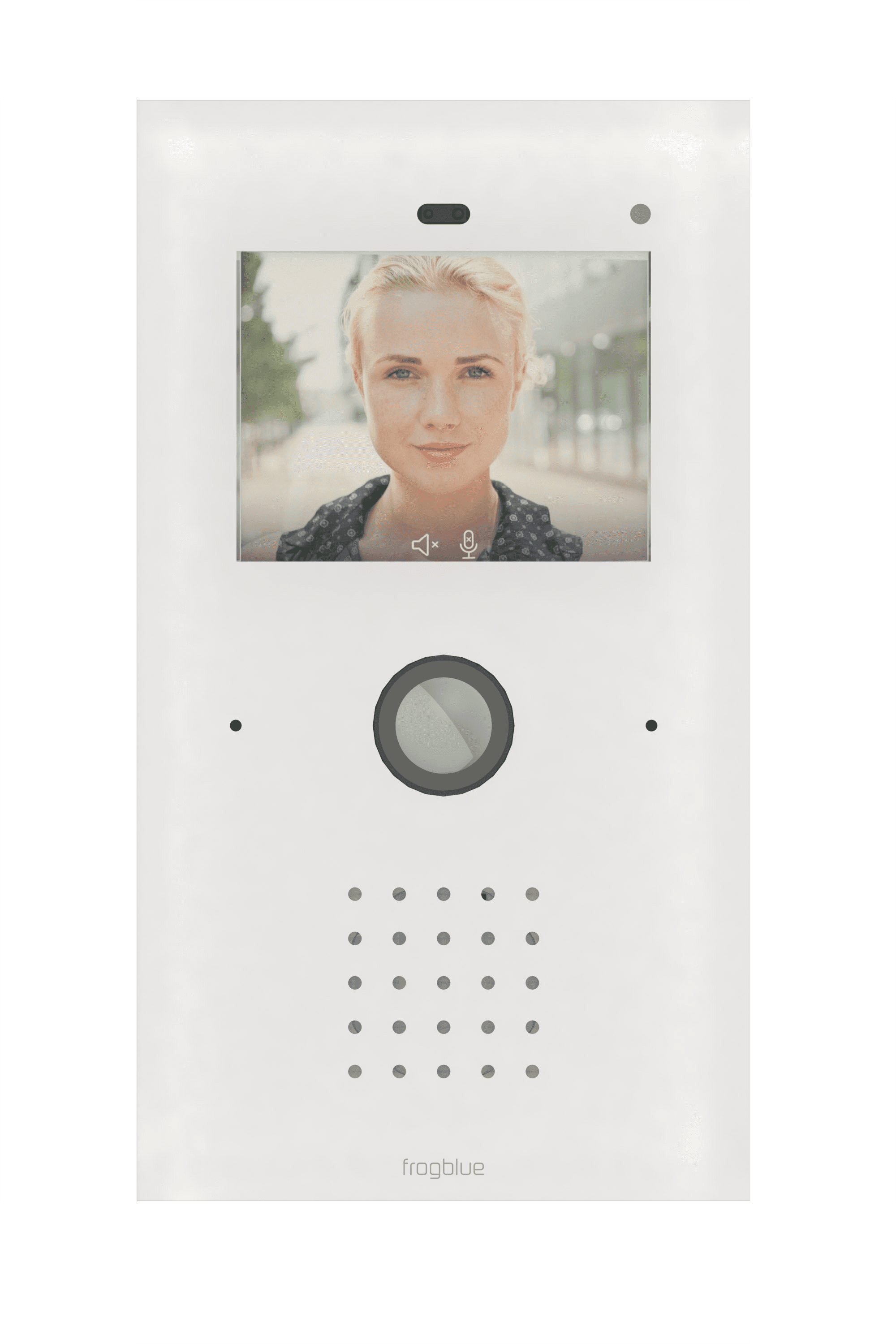
frogTerminal
दरवाजे और एक्सेस इवेंट को उत्सर्जित करता है और आउटगोइंग ट्रिगर सक्रिय करता है।
frogLink
Bluetooth Mesh के भीतर लिंकिंग और एकीकरण के लिए मेश इंटरफ़ेस मॉड्यूल।
आपका एंडपॉइंट
कोई भी HTTP/वेबहुक रिसीवर — डैशबोर्ड, स्वचालन सर्वर या अलार्म सिस्टम।
डाउनलोड और दस्तावेज़ीकरण
डाउनलोड
कोई कस्टम वर्कफ़्लो बना रहे हैं?
हमें बताएं कि आप दरवाज़े और एक्सेस इवेंट से किन सिस्टम को ट्रिगर करना चाहते हैं — अनुरोध पर MQTT सहित — और हम इसे सेट अप करने में आपकी मदद करेंगे।