
HTTP / Webhooks for event-driven workflows
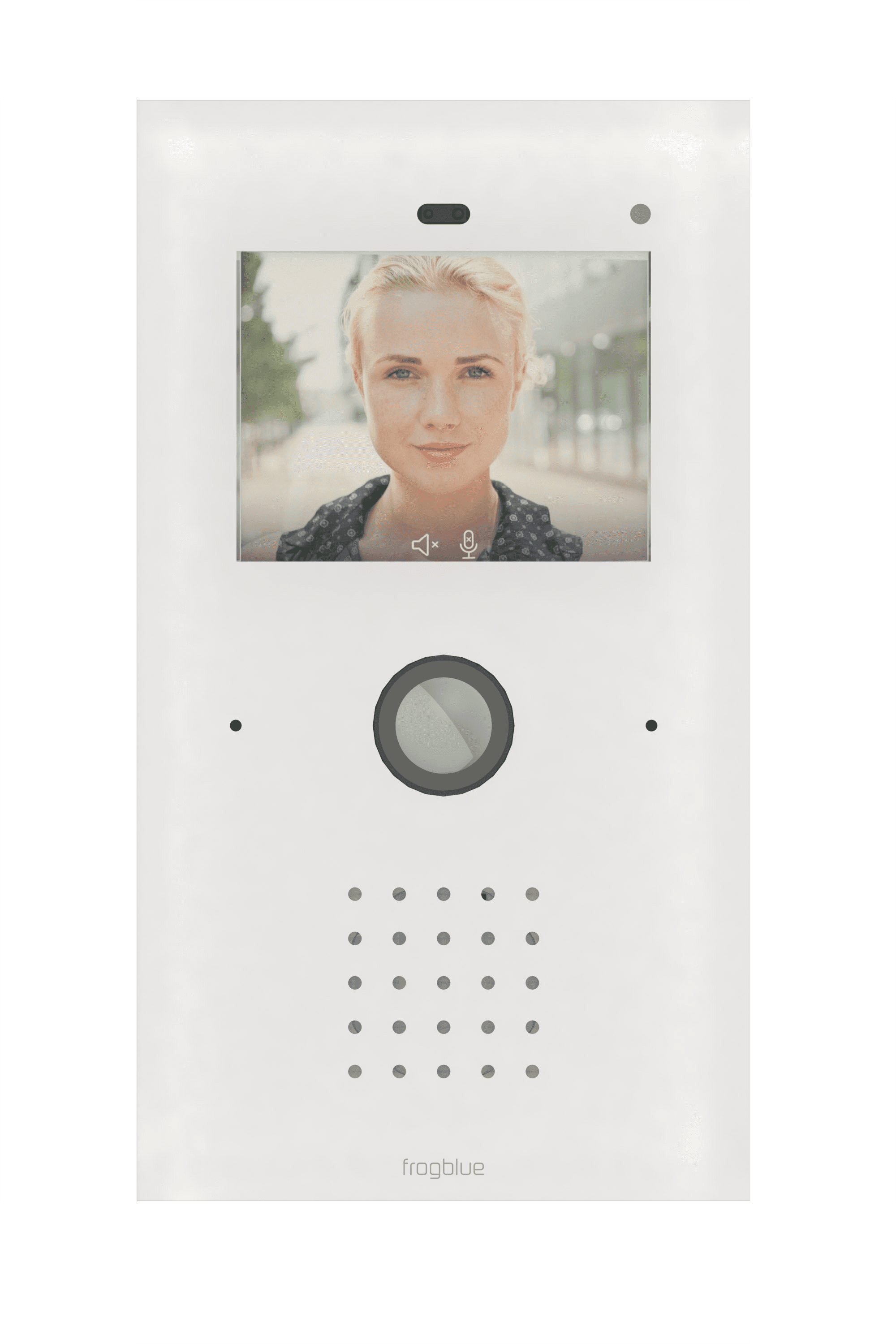
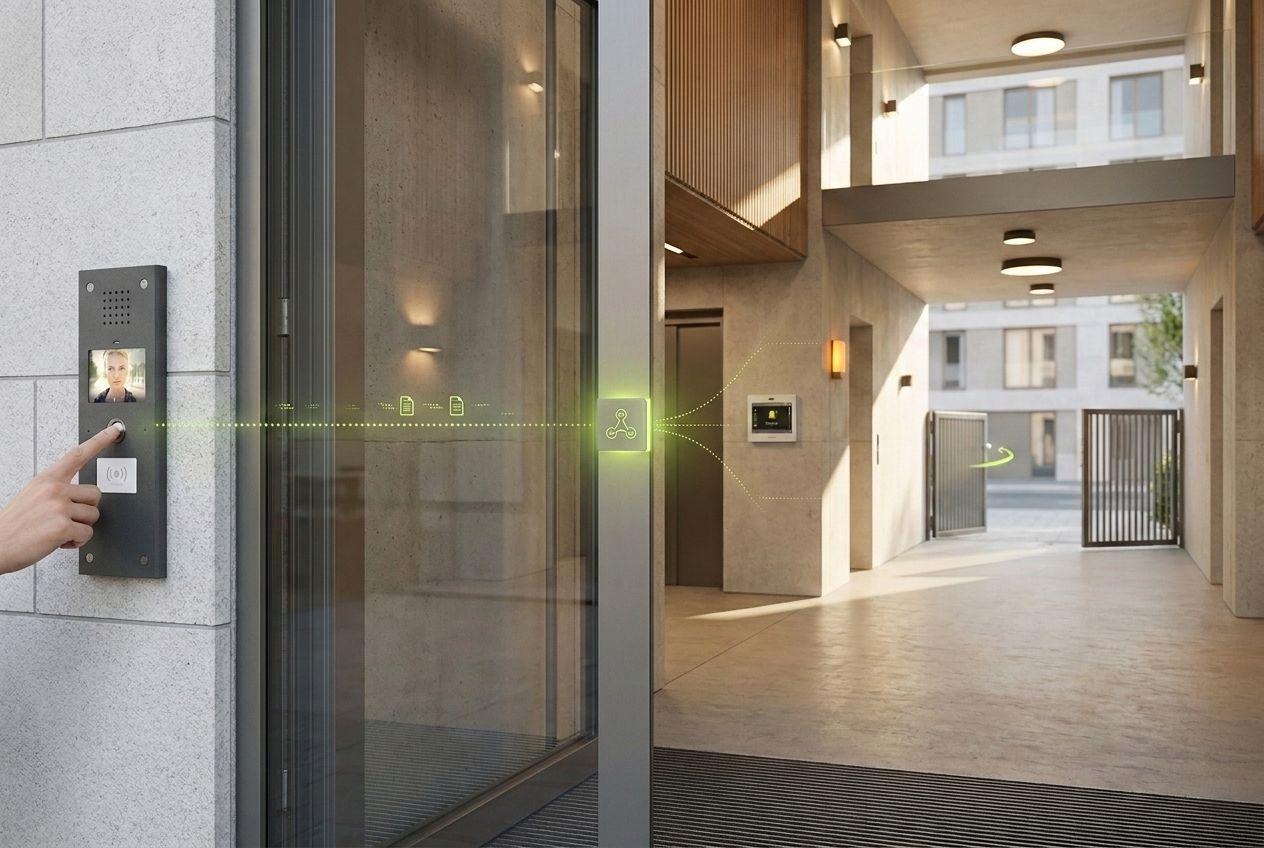
frogTerminal can fire outgoing HTTP/webhook triggers on door and access events, so a ring, an access grant or a relay input can drive alarms, dashboards and third-party systems — without a central controller.
Typical workflow
Turn a door event into any action
Configure an outgoing HTTP request or webhook on a frogTerminal event. A ring or access grant can then notify a dashboard, raise an alarm or trigger logic in a third-party system. MQTT is a developer-facing option, available on request and pending documentation — it is not yet a documented shipping feature, so plan around HTTP/webhooks today.
- Outgoing HTTP / webhook triggers on door and access events
- Drive alarms, dashboards and third-party systems
- MQTT: developer-facing, on request, pending documentation
Why frogblue
What you need from frogblue
frogTerminal
Emits the door and access events and fires the outgoing triggers.
frogLink
Mesh interface module for linking and integration within the Bluetooth Mesh.
Your endpoint
Any HTTP/webhook receiver — dashboard, automation server or alarm system.
Downloads & Documentation
Downloads
- frogLink development notePDFDeveloper reference for mesh linking and integration.Download (opens in a new tab)
- frogTerminal flyerPDFThe intercom, access & automation hub at a glance.Download (opens in a new tab)
Building a custom workflow?
Tell us which systems you want to trigger from door and access events — including MQTT on request — and we will help you wire it up.