
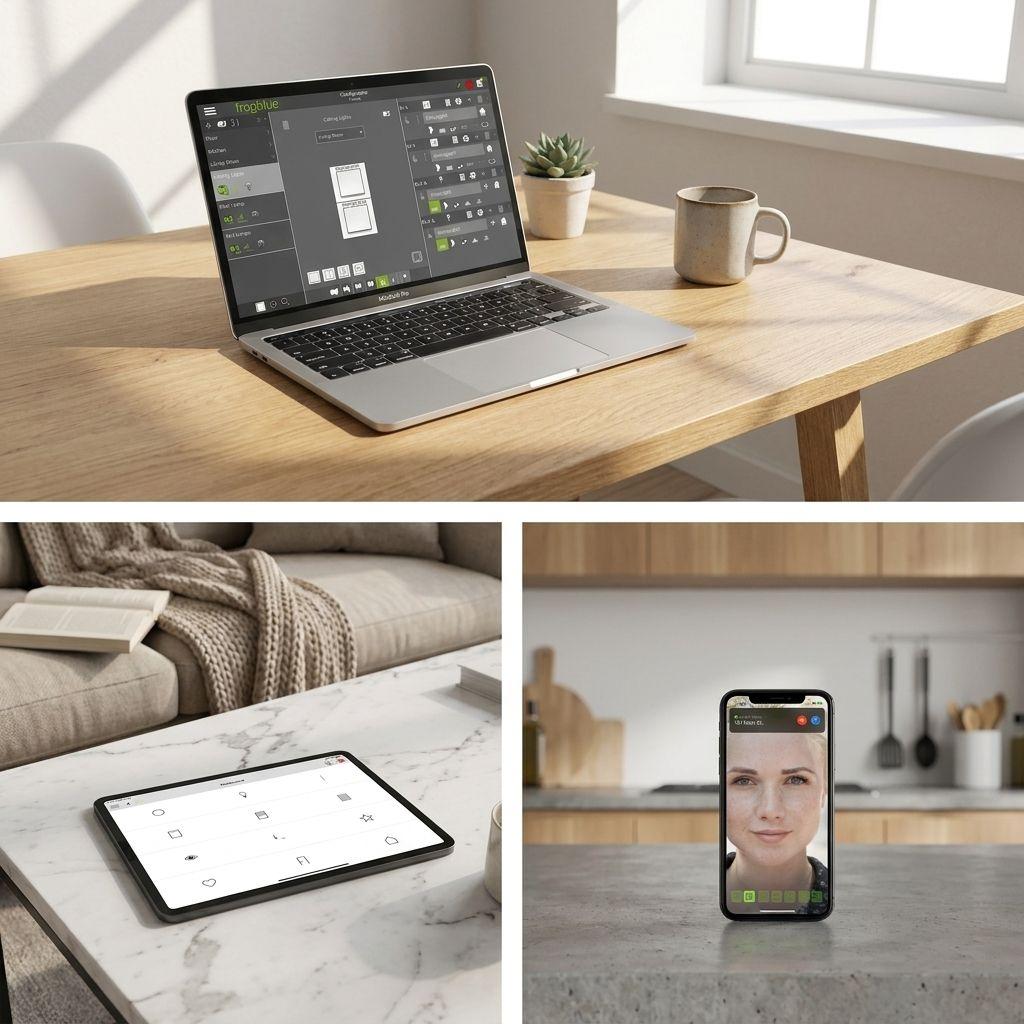
Управлявайте, въвеждайте в експлоатация и свързвайте — едно приложение за всяка задача
frogblue работи първо локално: сградата ви продължава да работи без акаунт или интернет връзка. Приложенията добавят управление, повиквания на вратата от смартфон и отдалечен достъп отгоре — а облакът винаги е опционален.
- 5
- приложения за всяка роля
- iOS · Android
- плюс Windows за инсталатори
- Локално-ориентиран
- облакът винаги е опция
Управление · Ново поколение
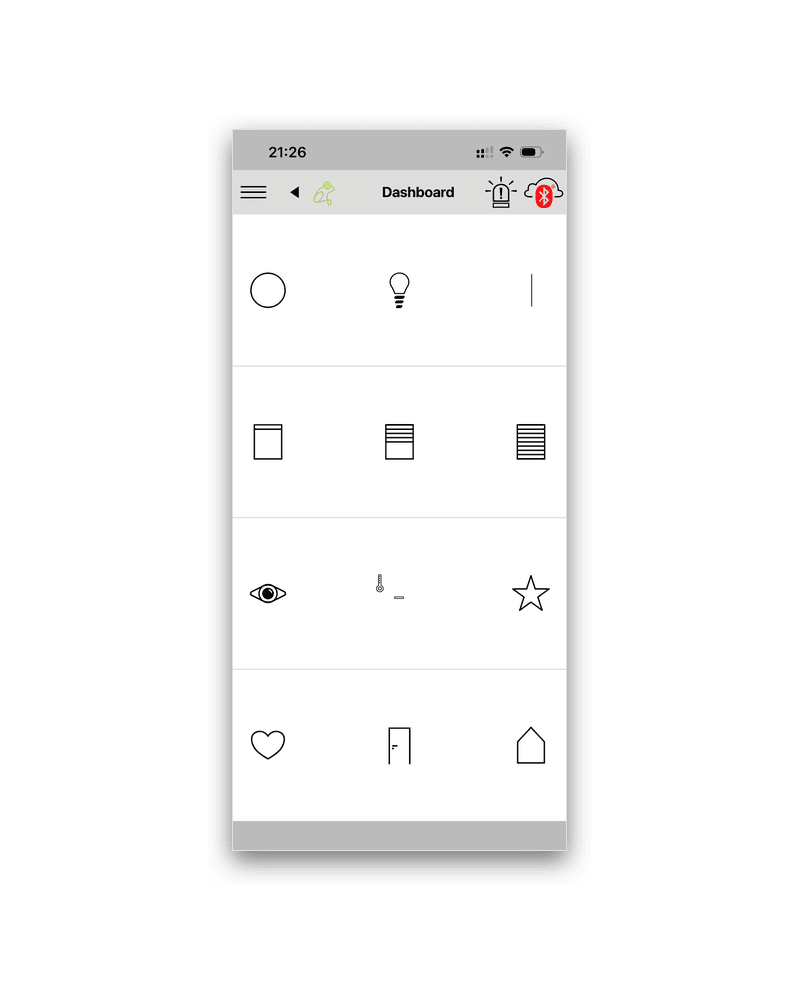
frogAccess
Приложението за управление от следващо поколение за платформата frogblue Bluetooth Mesh. Управлявайте осветление, щори, климат, сцени, врати и домофони — локално през Bluetooth, без нужда от акаунт.
- iPhone, iPad и Android
- Локално управление чрез Bluetooth — работи без акаунт
- Незадължителна синхронизация с frogCloud за отдалечен достъп
- Проверка на състоянието на системата и времеви профили
- Достъпно на над 20 езика
Комуникация на входа
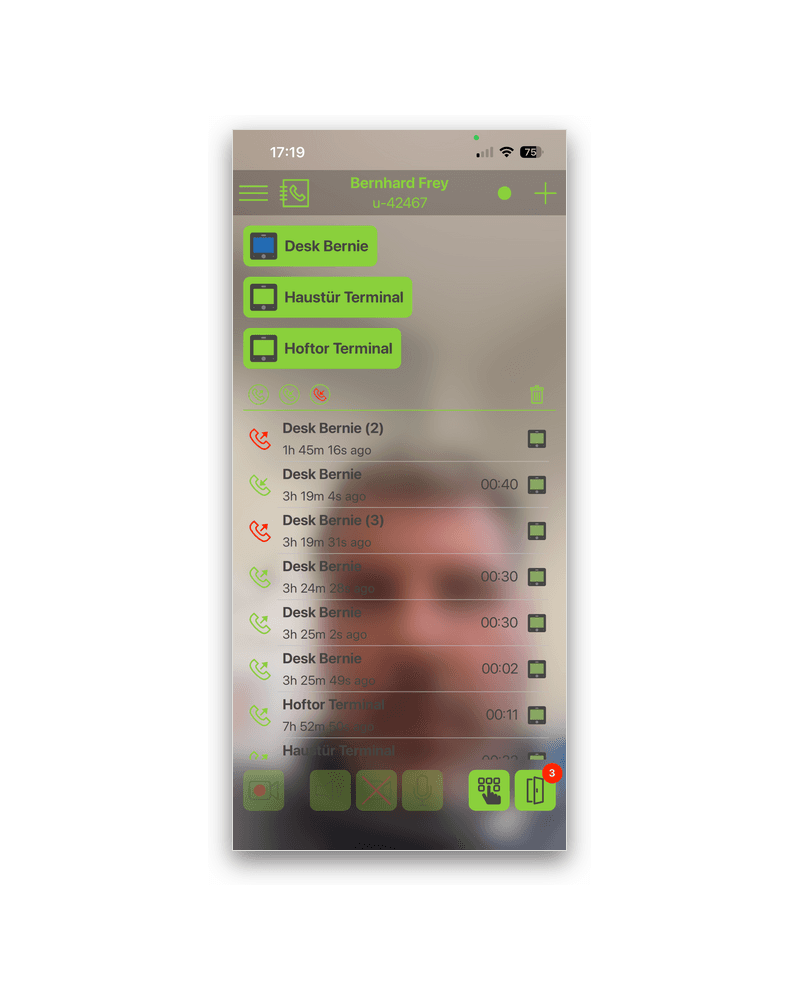
frogSIP
Превърнете смартфона си във видео домофон за вашия frogTerminal. Отговаряйте на вратата отвсякъде и отключвайте с едно докосване — включено безплатно с акаунт frogCloud.
- Push известия чрез frogCloud SIP
- Отворете вратата и вижте камерата на живо
- История на повикванията и списък с пропуснати повиквания
- Работи наред с вътрешни станции и SIP телефони
За инсталатори
frogProject
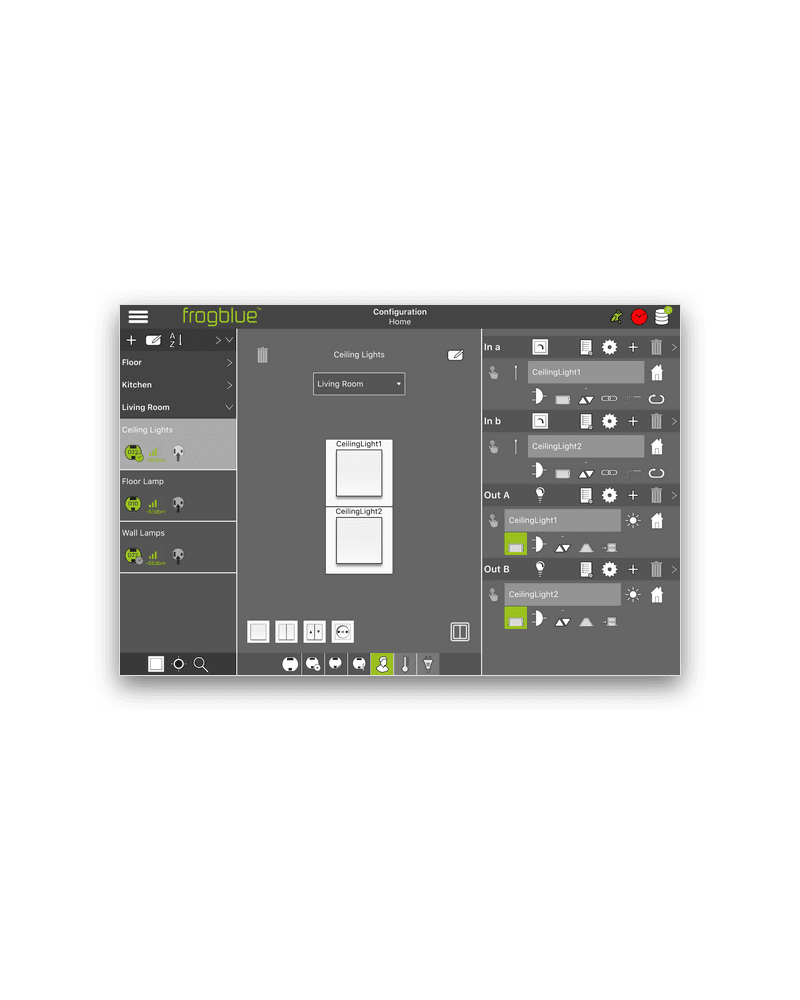
Професионалното приложение за въвеждане в експлоатация за монтажници и системни интегратори. Настройте, конфигурирайте и програмирайте цялата система frogblue, след което предайте ежедневното управление на собственика чрез frogAccess.
- Автоматично разпознаване на системните компоненти
- iOS и Android таблети — плюс Windows с адаптер frogLink
- Ясно наименуване за опростена работа
- Предава управлението от крайния потребител на frogAccess
По избор облак
frogCloud
Слой на удобство, никога зависимост. Сградата работи локално; frogCloud просто добавя отдалечен достъп, синхронизация на проекти и обаждания на входа през смартфон, когато ги желаете. Включен е безплатен акаунт.
- Отдалечен достъп и синхронизация на проекти
- Push повикване на смартфон за frogSIP
- Безплатно ниво на акаунт — не се изисква абонамент
Предишно поколение · Наследена версия
frogControl
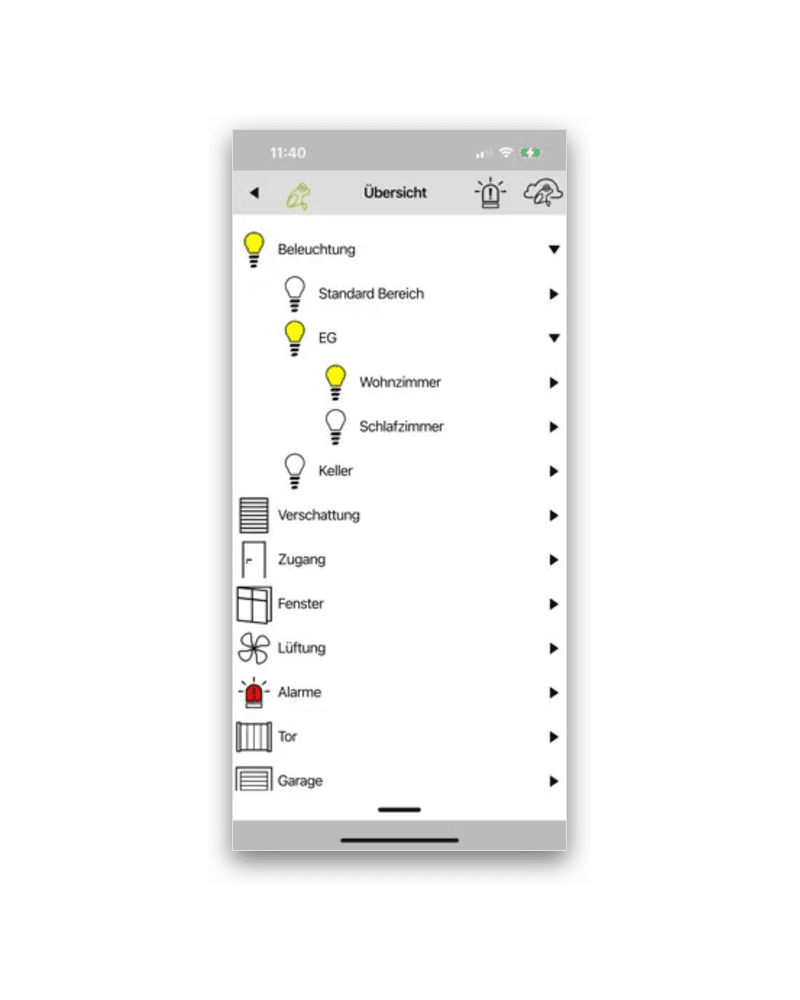
Приложението за потребителско управление на предишното поколение хардуер на frogblue. То НЕ е протоколно съвместимо с платформата от следващо поколение frogAccess — миграцията между двете изисква сертифициран монтажник. Новите инсталации използват frogAccess.
- За съществуващи frogblue системи от предишно поколение
- Управлява осветление, щори, врати и сцени
- Несъвместим с платформата frogAccess
Изтегляния и документация
Технически листове и изтегляния
- Технически данни frogAccessPDFПриложение за потребителско управление от следващо поколение — преглед и функции.Изтегли (отваря се в нов раздел)
- техническа спецификация frogProjectPDFПрофесионално приложение за въвеждане в експлоатация за монтажници.Изтегли (отваря се в нов раздел)
- frogProject за WindowsZIPНастолно приложение за въвеждане в експлоатация (изисква адаптер frogLink).Изтегли (отваря се в нов раздел)
- Технически лист frogControl (наследен)PDFПриложение за управление за предишното поколение хардуер.Изтегли (отваря се в нов раздел)
Не сте сигурни от кое приложение се нуждаете?
Новите системи използват frogAccess; по-старите инсталации използват frogControl. Сертифициран монтажник на frogblue ще настрои всичко и ще ви предаде правилното приложение.