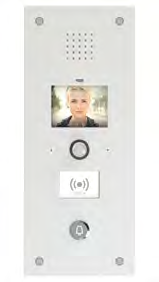

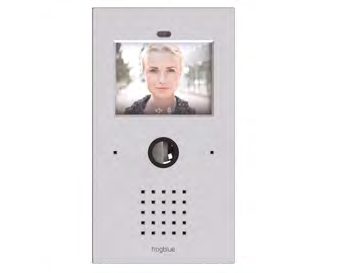
The frogSIP app for Apple® and Android® smartphones turns your phone into a full video intercom for the frogTerminal — answering door calls, controlling building functions, and reviewing event history from anywhere.
Video Communication via SIP and frogCloud
The frogSIP app, available for Apple® and Android® smartphones, is a feature-rich telephony app that responds when someone rings at the frogTerminal. Within seconds, a video connection with the intercom is established, enabling the opening of doors and building control via IP and Bluetooth® Mesh.
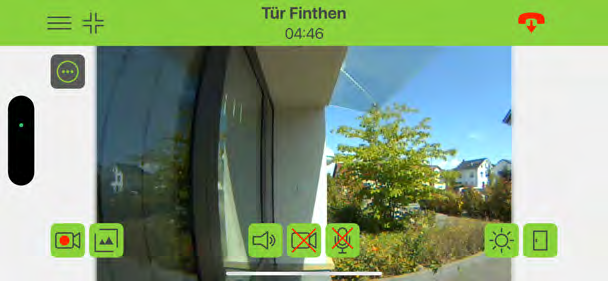
Smart Building Control
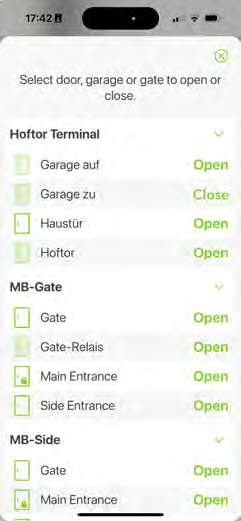
The frogSIP app manages multiple sites, each with several doors, gates, or barriers. Further building functions can be added as needed. You can remotely update the call button labels, access PIN codes and schedules for each frogTerminal — right from your smartphone.
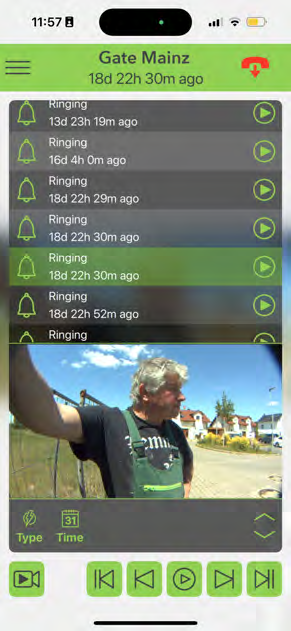
Event History on Your Smartphone
Missed calls are listed in the frogSIP app and you can review video recordings filtered by event type or time range directly on your smartphone. All communication with the frogTerminal runs exclusively through the SIP channel, so even complex network setups pose no problem — no extra IP connections or open ports required.
Calls
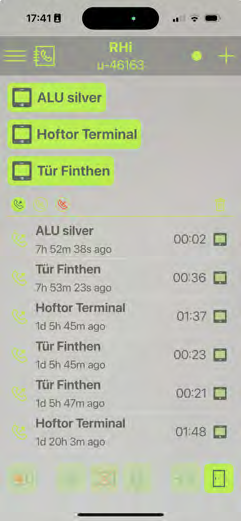
When someone rings at the frogTerminal, the call reaches the smartphone within seconds. Automatic calls can also be triggered by contact inputs on the frogTerminal or by alerts from other devices via IP or Bluetooth® Mesh. Missed calls are logged and displayed. MOBOTIX® cameras can initiate calls at the frogTerminal using IP-Notify, and trigger automatic announcements.
Call Forwarding
If a call is not answered, the frogTerminal automatically forwards it to another call group. Calls can include an acknowledgment PIN to stop forwarding once accepted. Special function codes can be defined in the terminal to trigger action groups — for example, to switch lights or operate building systems.
Video Calling
Video calls from smartphone to frogTerminal are also supported, including use of the smartphone’s cameras and zoom levels. Snapshots can also be captured.
Remote Configuration
Call button labels, PIN codes, and access schedules can be updated remotely for each tenant using a smartphone. This flexibility makes it ideal for dynamic use cases like B&Bs or multi-tenant buildings. Function PINs can also trigger building actions, such as switching on outdoor lighting or opening barriers.
Quick & Anonymous Registration
To get started, simply download the frogSIP app from the Apple® App Store or Google® Play. Registration with frogCloud is anonymous — just an email and password. With the setup wizard, pairing a smartphone with the frogTerminal takes just seconds using a QR code or PIN.
More Than Just a Door
The frogSIP app can control more than one entry point. In addition to the main door, it can also operate gates, garage doors, and other access points. Even complex barrier systems can be triggered via IP-Link. The app supports multiple locations and can control doors and building functions over SIP without needing to dial into the frogTerminal.
Event Search by Type and Time
The frogSIP app allows event searches by type, time range, or weekday. For example, access attempts with incorrect PINs or RFID cards over the weekend can be listed instantly with one tap. This feature can be enabled or disabled for each user.
Pure SIP Communication
All communication with the frogTerminal — whether for building control, door access, or event review — runs exclusively over the secure SIP message channel. No additional IP connections or open ports are required.
The frogTerminal Product Line
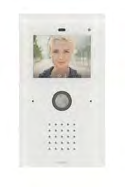
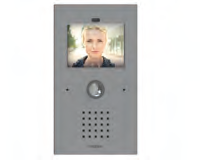
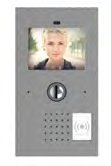
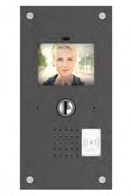
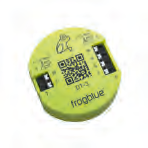
The frogSIP app works across the full frogTerminal range — Glas Line, KS-Line, ALU-Line, S2-Line, and S3-Line B1.